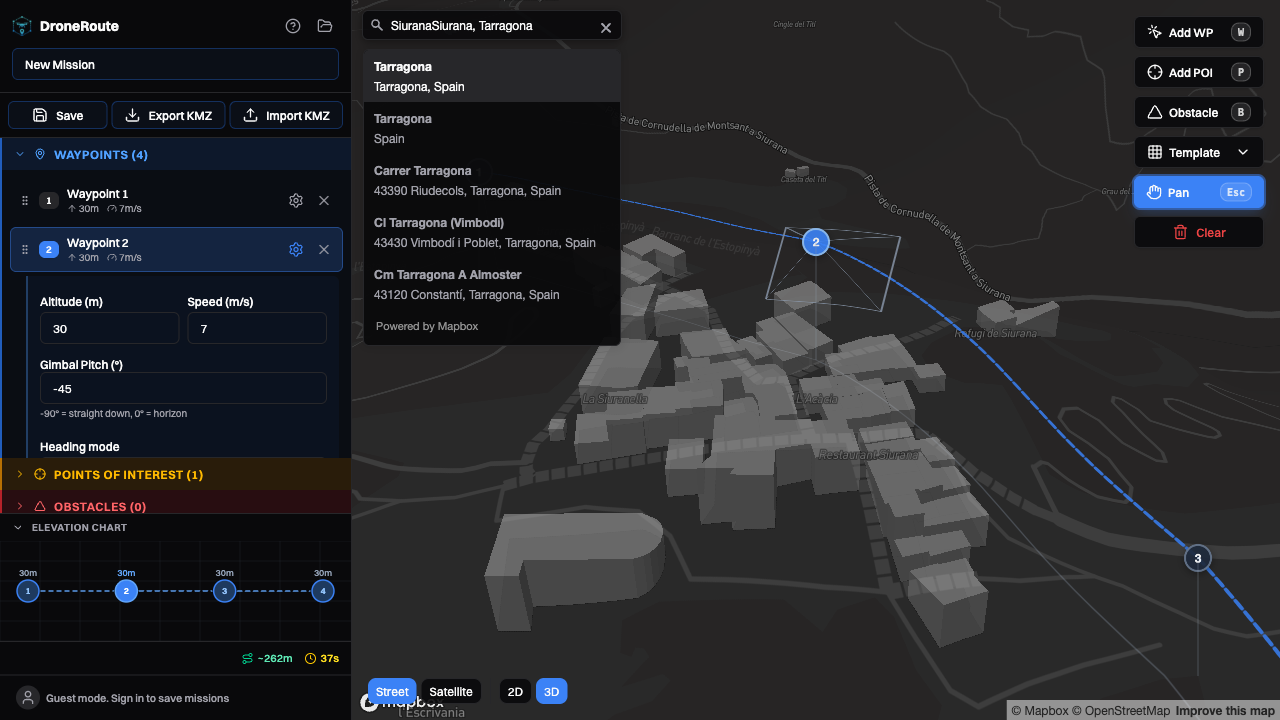
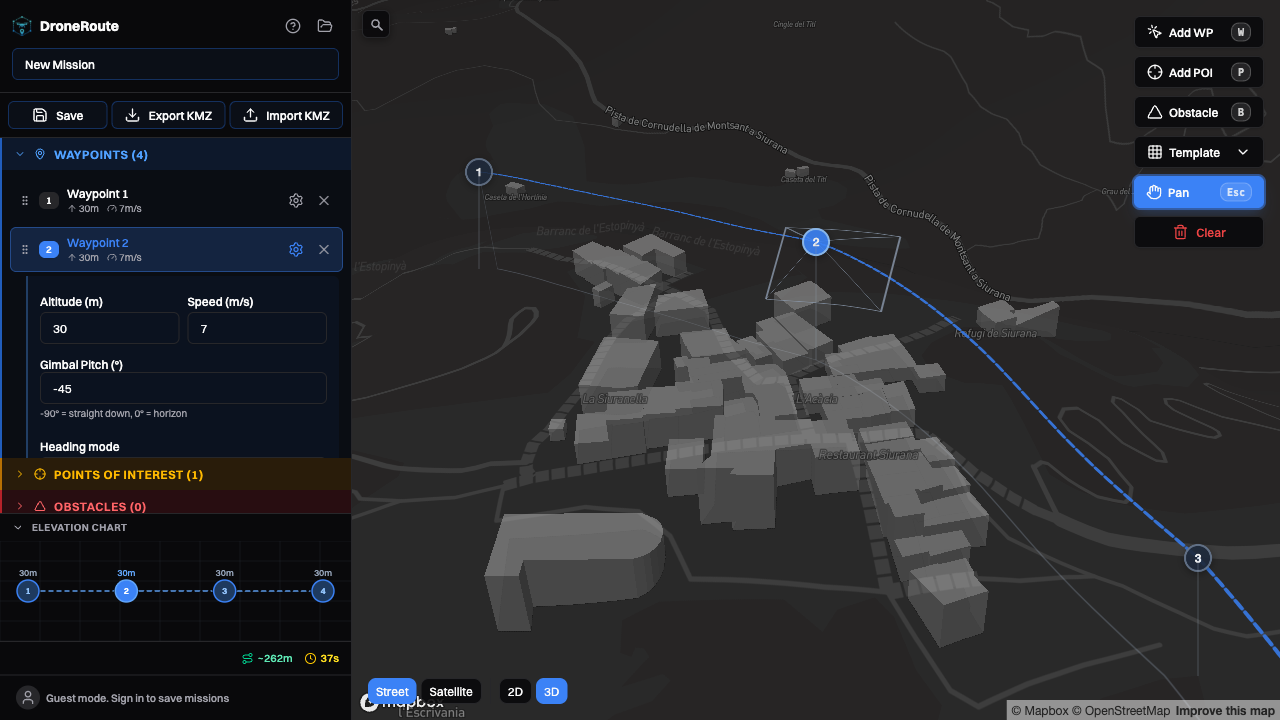
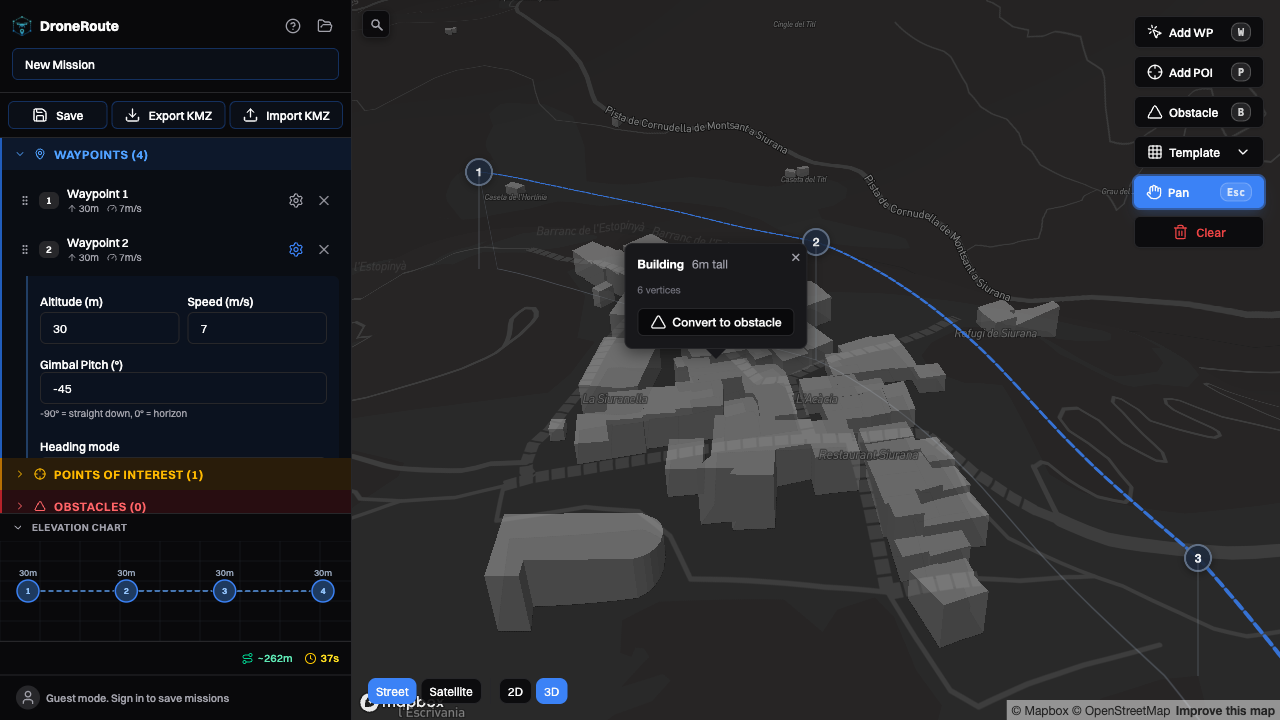
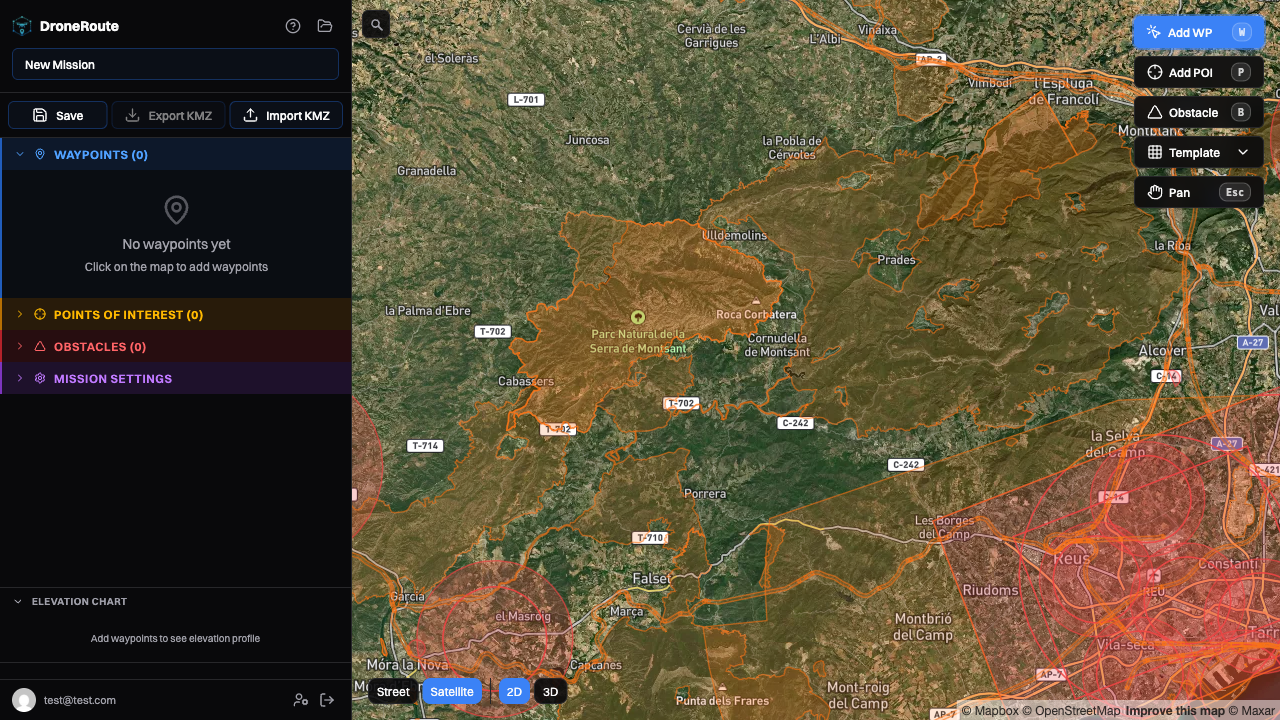
A free, open-source mission planner for DJI drones. Place waypoints on an interactive map, configure every flight parameter, and export KMZ files ready to load on your controller.
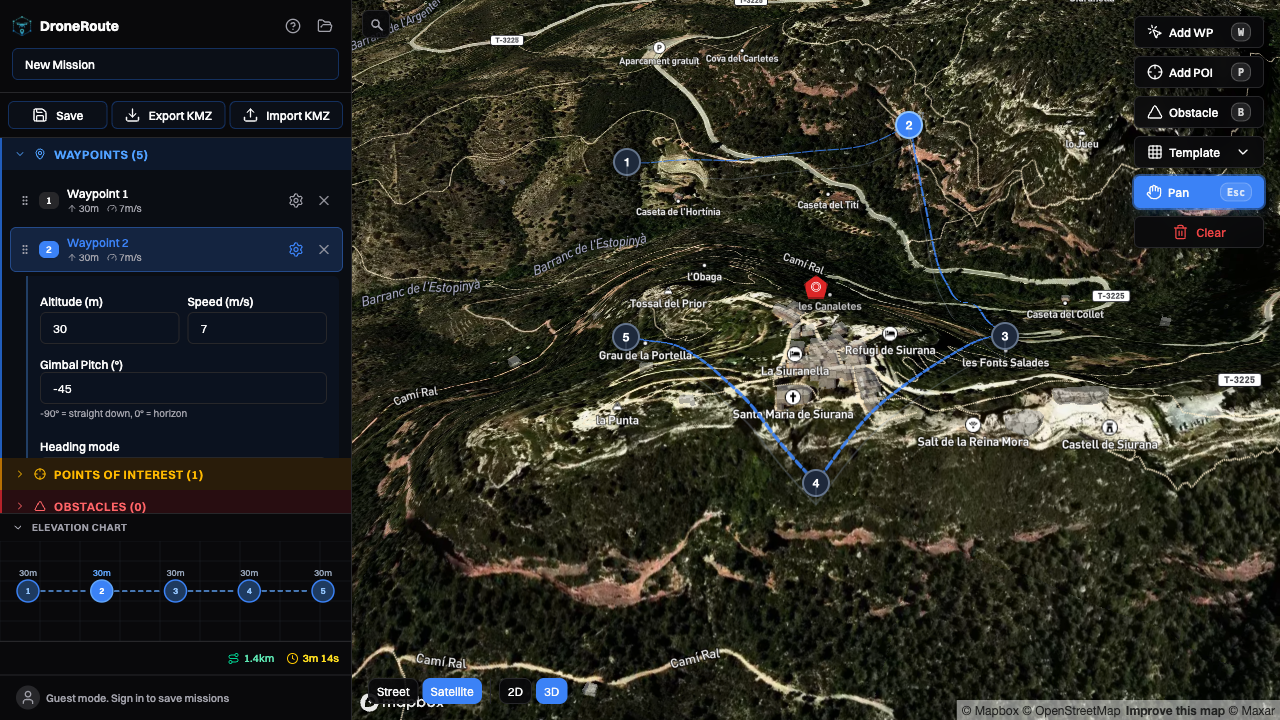
From placing your first waypoint to exporting a flight-ready KMZ file, DroneRoute has you covered.
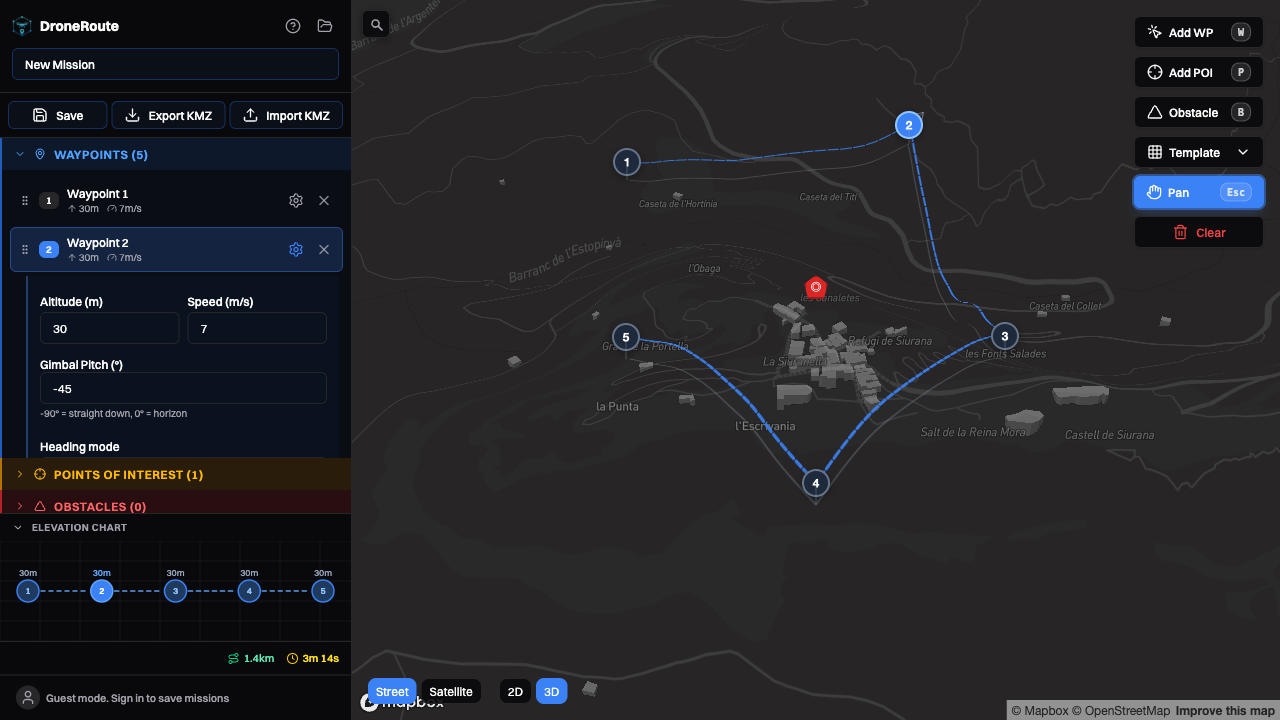
Click to place waypoints and Points of Interest directly on OpenStreetMap. Drag markers to reposition. See animated flight paths in real time.
Set altitude, speed, gimbal pitch, heading mode, and turn mode per waypoint. Add actions like photo, video, hover, zoom, and more.
Define POIs on the map and automatically orient the camera toward them. Smart gimbal pitch calculates the perfect angle using trigonometry.
Generate DJI WPML-compliant KMZ files ready to load on your controller. Import existing KMZ files from DJI Pilot 2 to edit and re-export.
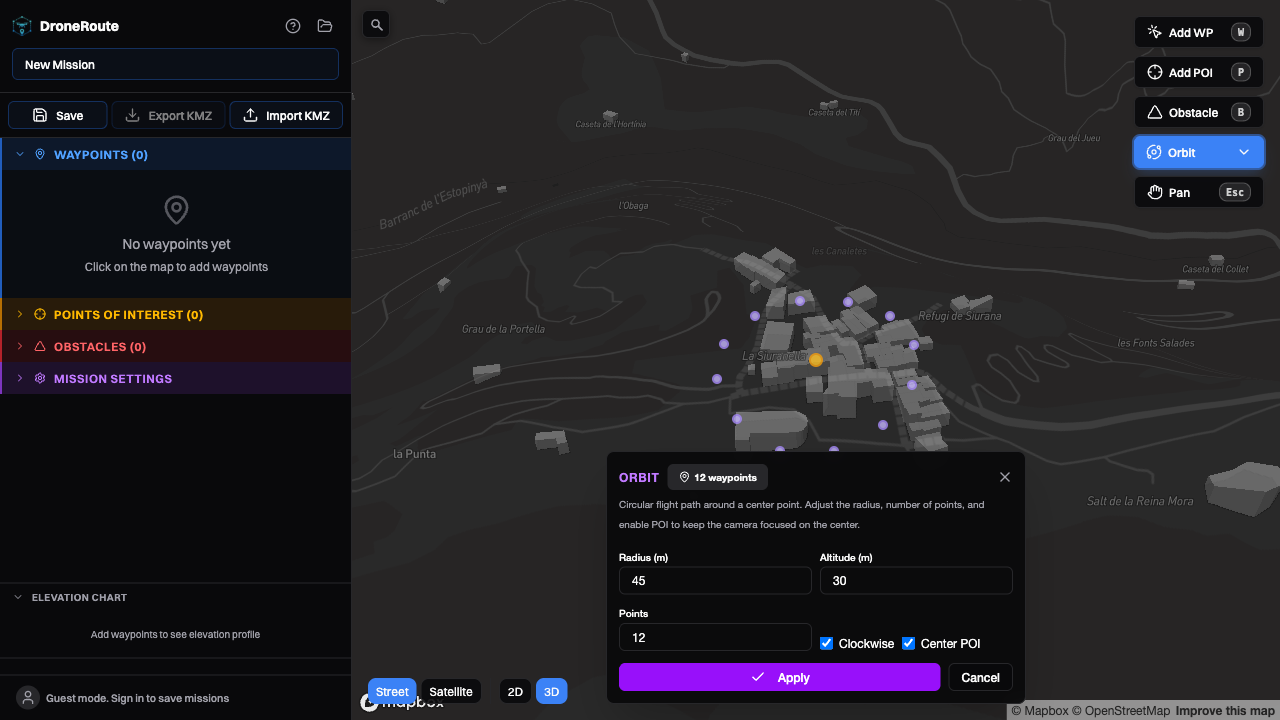
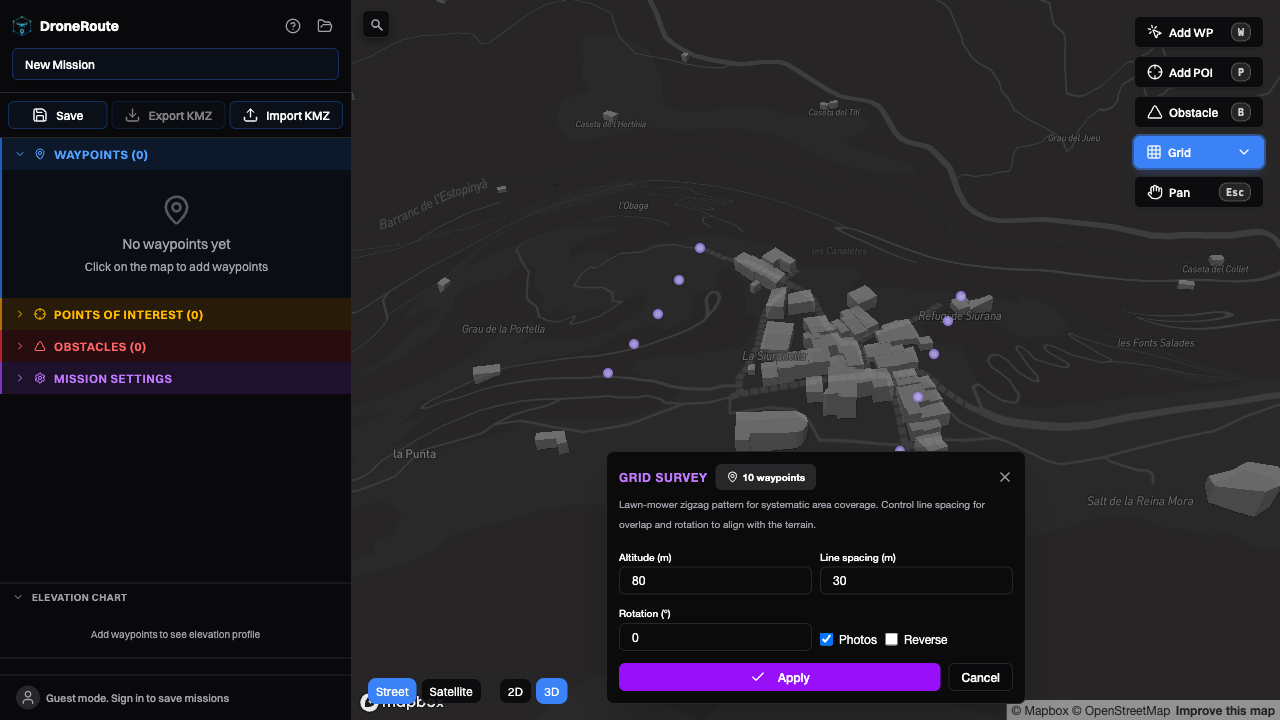
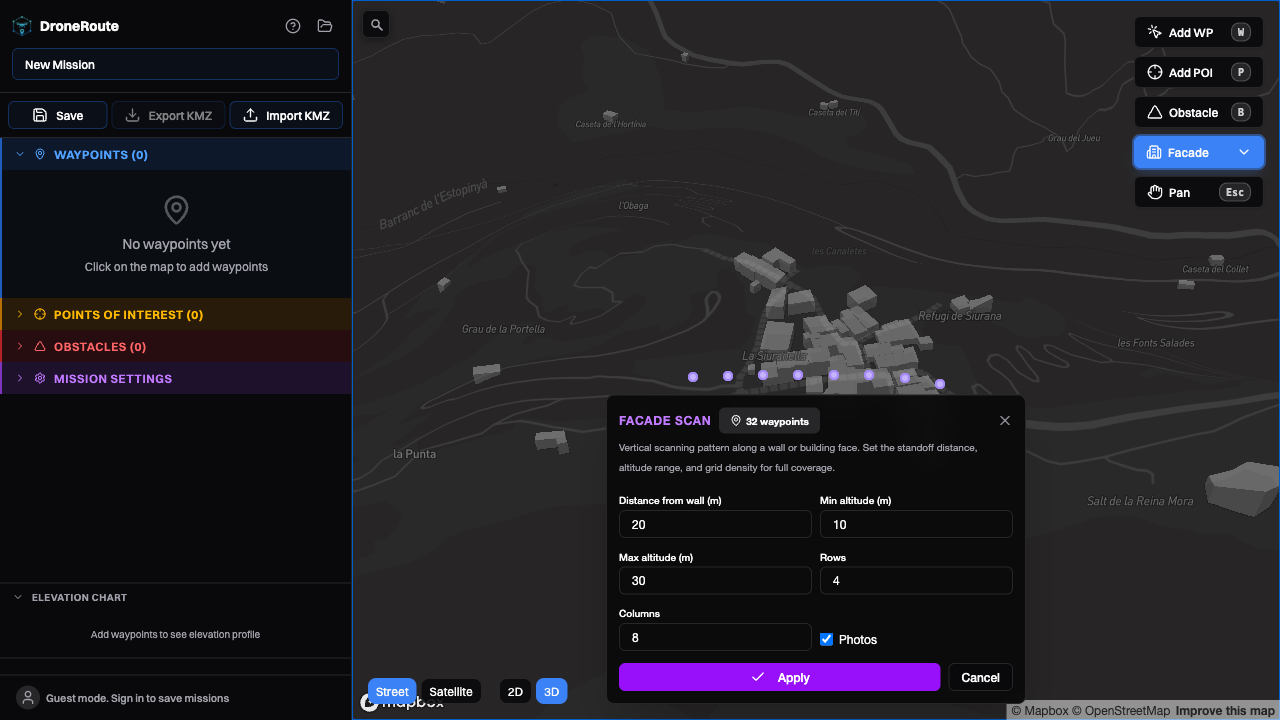
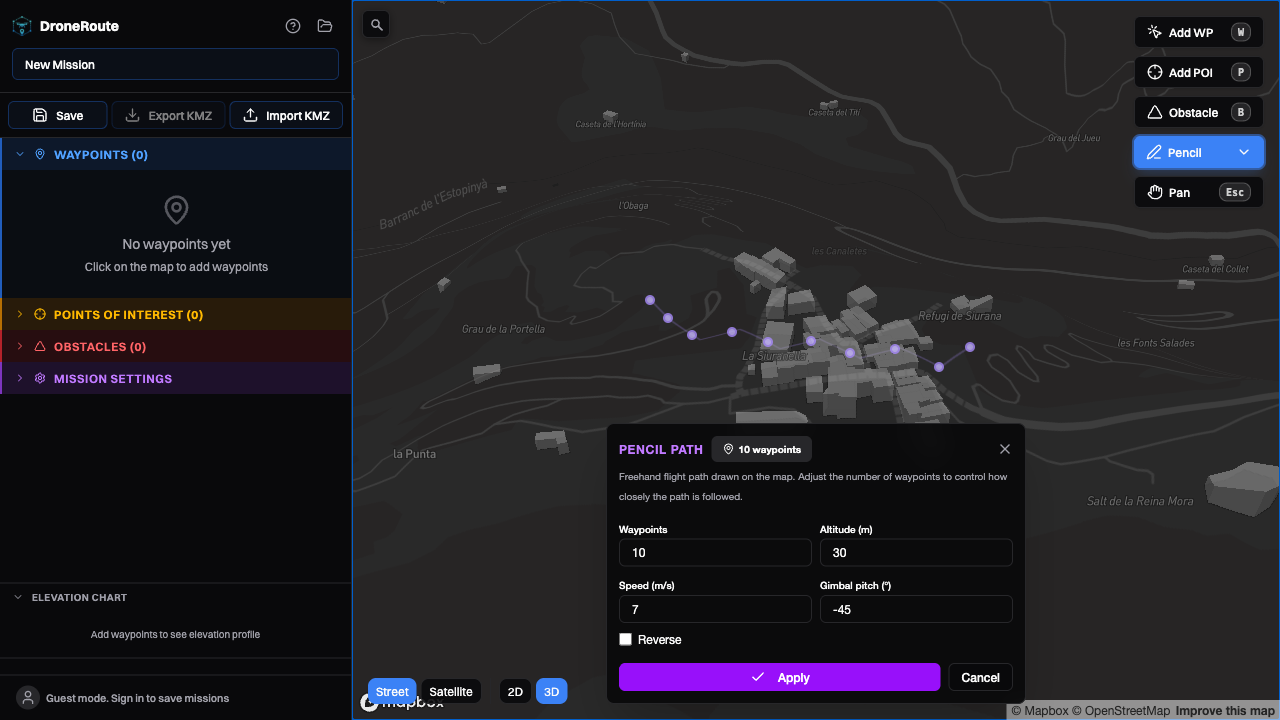
Generate orbit, grid survey, facade scan, and pencil path patterns in seconds. Fine-tune the generated waypoints afterward for full flexibility.
Generate a read-only link for any saved route. Recipients can preview flight stats, open the mission in the editor, clone it, or export the KMZ — no account needed.
Start with a template, then customize every waypoint. Save hours of manual placement for common flight patterns.
Circular flight path around a target. Ideal for building inspections, tower surveys, and cinematic orbits. Auto-creates a POI at the center.
Lawn-mower zigzag pattern for area coverage. Perfect for mapping, photogrammetry, agricultural surveys, and search & rescue operations.
Vertical scanning along building faces. Configurable standoff distance, altitude range, and row/column density for structural inspections.
Draw a freehand flight path on the map. Waypoints are placed at equal intervals along the drawn shape. Adjust waypoint count for precision.
A closer look at what makes DroneRoute powerful and easy to use.
When a waypoint faces a POI, DroneRoute calculates the exact gimbal angle to point the camera directly at the target using trigonometry.
Green lines on the map mean your camera is aimed correctly. Red dashed lines tell you to adjust. One click applies the perfect pitch.
Select multiple waypoints with Ctrl+Click or Shift+Click, then apply altitude, speed, or heading changes to all of them at once.
Drag-and-drop reordering in the sidebar lets you restructure your flight path without re-placing waypoints.
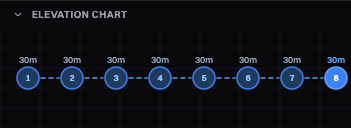
Visualize the altitude profile of your entire mission at a glance. The interactive elevation graph shows height changes across every waypoint.
The footer bar displays total distance, estimated flight time, and waypoint/POI counts calculated from actual per-segment speeds.
Navigate faster with shortcuts. Spend less time clicking, more time flying.
A clean monorepo architecture with shared types between frontend and backend.
Your data, your server. No third-party services. Full privacy.
What people are saying about DroneRoute.
"Finally, a free mission planner that actually generates valid DJI KMZ files. I was paying for commercial software before and this does everything I need."
"The orbit and facade scan templates save me so much time on building inspections. Smart gimbal pitch is a game changer for pointing at POIs."
"Being able to self-host this is huge. We run it on our own server for security reasons and it works flawlessly. The Docker setup is dead simple."
Start planning missions in minutes. No sign-up required for the live demo.